Getting Started with Brew Better
Brew Better is a professional tool for pour-over coffee enthusiasts. It connects to your Bluetooth scale, records your brewing curves in real-time, and helps you improve your technique through data-driven analysis.
What Brew Better Can Do
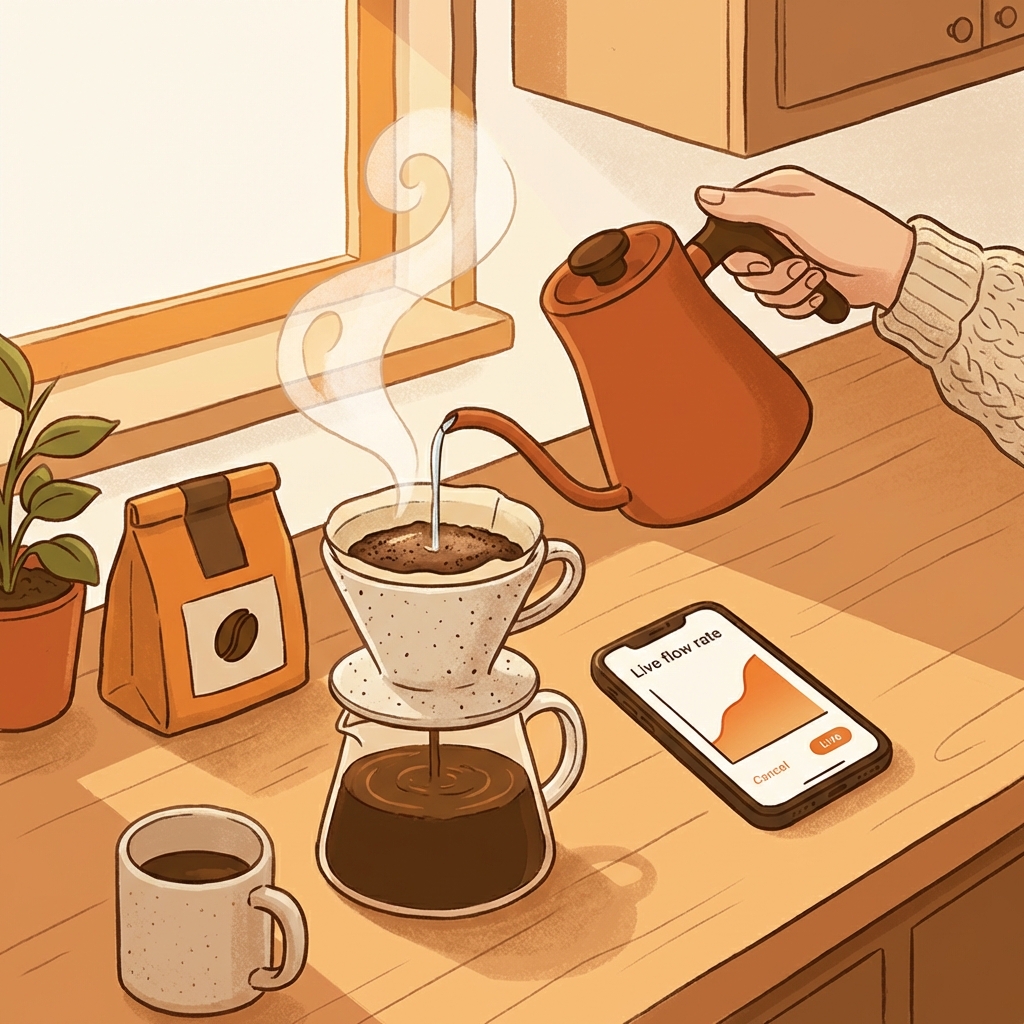
Real-Time Flow Rate Visualization
When connected to your scale, Brew Better displays your flow rate curve as you pour. This live feedback helps you maintain a steady, consistent pour throughout your brew. No more guessing whether you’re pouring too fast or too slow.
Brew Recording
Every brew is automatically saved with its complete flow rate curve. When a cup tastes particularly good—or not so good—you have the data to understand why.
Curve Comparison
Compare your recent brews side by side. This is especially useful when you’re experimenting with adjustments: change your pour stages or water parameters, then overlay the curves to see exactly how much difference those changes made. The visual comparison makes it easy to understand the impact of each tweak.
Recipe Management
Save your brewing parameters including coffee dose, water amount, grind size, and more. When you dial in a recipe that works, you can save it and replicate it consistently in future sessions.
Brewing Simulator

Practice your pouring technique without wasting coffee beans. The simulator lets you rehearse your pour pattern and timing, helping you build muscle memory before brewing with real coffee.
Cloud Sync
Your brewing data syncs automatically across devices. Switch phones or get a new tablet—your entire brew history comes with you.
Supported Scales
Brew Better currently supports the following Bluetooth coffee scales:
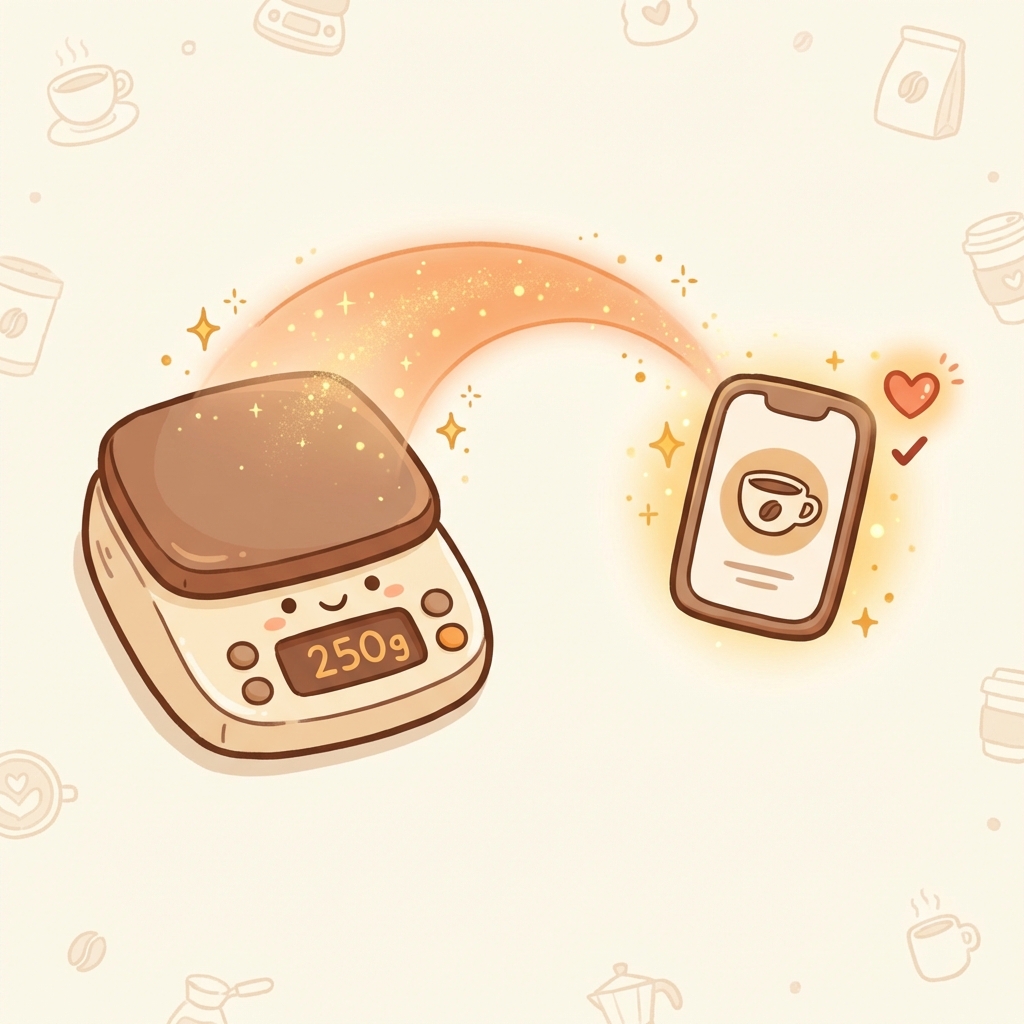
- Acaia (Lunar, Pearl)
- Ultrakoki
- Varia AKU
Detailed connection guides for each scale will be available in dedicated tutorials.
Your First Brew
Getting started is simple:
-
Connect your scale — Go to Settings, select your scale type, and pair it with Brew Better.
-
Set up your gear — Place your dripper and server on the connected scale.
-
Start brewing — There is no “start” button to press. Simply begin your pour as you normally would. Brew Better automatically detects when brewing begins and starts recording your curve in real-time.
-
Finish and save — When your brew is complete and the flow stops, Brew Better automatically ends the recording. Your brew is saved and ready for review.
That’s it. Focus on your coffee, and let Brew Better handle the data.